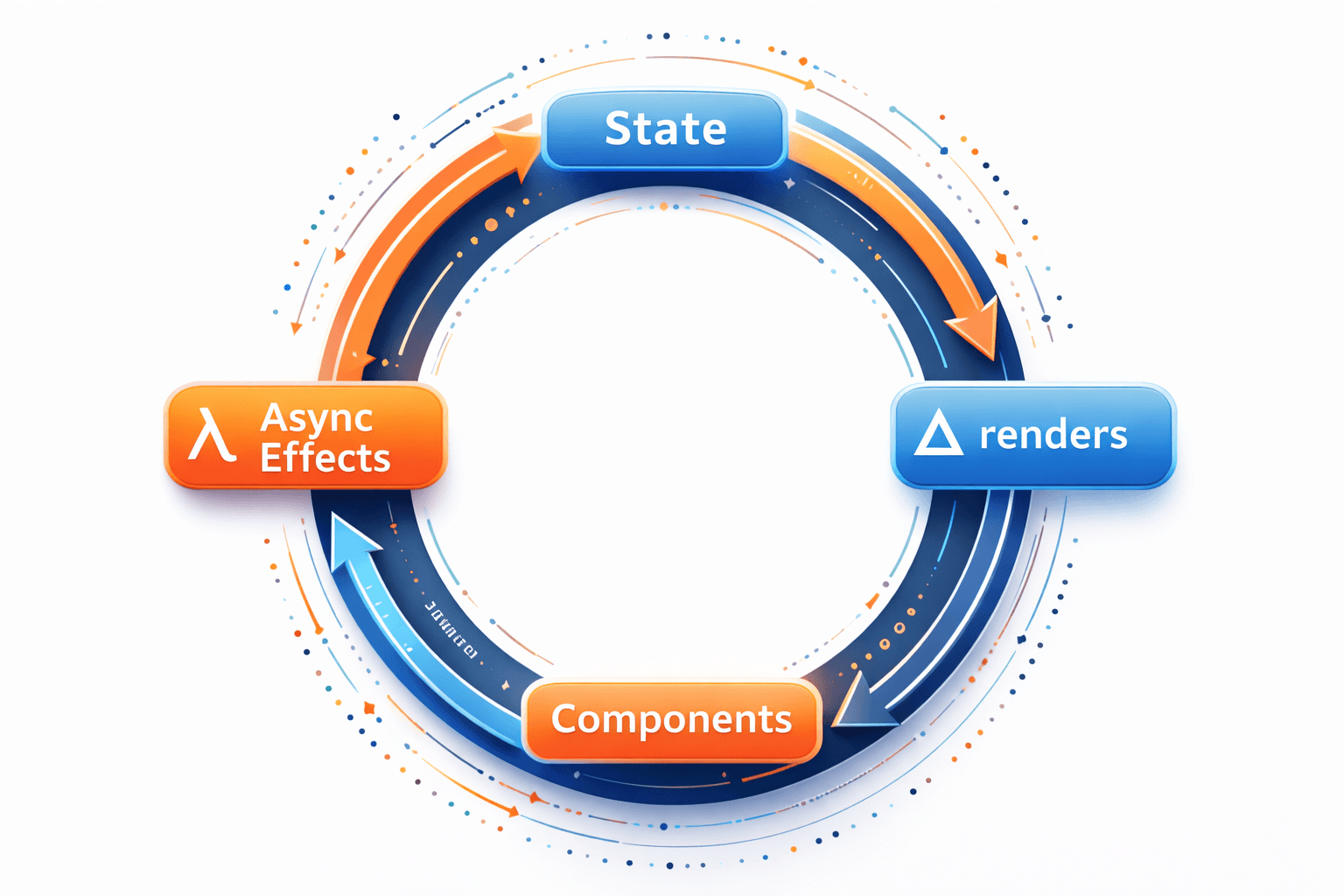
Rationale
This is a post about a little pattern I stumbled upon while doing some refactoring, a pattern that's changed how I write React code.
Much of what we do as web-app developers is repetitive. Get some data and cache it, show some html based on some data, handle click events, repeat. We use common tools, like fetch, Redux, and React. It can get really repetitive, especially if you use common Redux and React patterns.
A typical React+Redux app will contain a bunch of files that define your actions, thunks, reducers, selectors, store, state, requests, responses, models, components, containers, views, routes, effects, epics, sagas, observables, subscriptions, etc... Not to mention all the unit tests, integration tests, and end to end tests that go along to verify that the functionality of all those bits of code remains consistent. All of those words are entire concepts unto themselves and have a history of years worth of threads, flame wars, tutorials, articles, and talks about them. For a beginner, it can feel daunting to even approach the subject, much less write and maintain all the code to implement those concepts.
In practice, building React components can often be quite boring. Components start simply: const Foo = () => {return <div>hello world</div>;}; it's too trite to even make a snippet of. Bring in useEffect and useState to change the page, and draw the rest of the owl.

Conversely, there seems to be myriad ways to construct a data layer. In my experience, the data layer of every app I've worked on has been different each time. No one seems to agree. So, here I am, proposing yet another way to make a data layer for your web app.
Conventionally, you'd start an app with useEffect and useState. Then, when things got more complicated than a handful of components, you'd add some state management. Maybe you'll use vanilla React Context or Unstated. Maybe you like to be complicated and choose vanilla Redux. You'll soon notice that not everything you do is synchronous, so you might add Redux Thunk, Redux Saga, or even (for the very brave) Redux Observable. Your code can start to balloon with terms and phrases you've never seen before, making you feel like you can't even understand your own code, much less explain it to someone else. Add to all of that, your app is so slow. React seems so complicated!
Configuration over Convention
I think the word Configuration has gotten a bad wrap. The term "Convention over Configuration" got to be really popular about 15 years ago and is still du-jour for open source libraries. Yet, configuration always creeps in. Your root folder eventually becomes littered with configuration files, regardless of how hard you try to stay in your lane. I say embrace it. Let's make our entire apps configuration instead of being conventionally built with code!
So, what is a config based data layer, and how do I make it?
Let's start with what I mean by "the data layer", using an onion as a metaphor for the architecture of an app. Onions have layers with distinct boundaries. A common pattern is to keep API code, or data access code, together. Above that, you may have some services, controllers, views, and components that all combine to make your app. Keeping your code organized using layers helps to drive out circular dependencies and allows "seams" to emerge.
[Show Chalkboard Diagram Here]
The data layer is where all your API access code lives. It is the class, module, folder, or set of files united by a common naming convention that abstracts away how you access the external world. It is how you get data into and out of your application. It can have many different names, and can be implemented using many different patterns, but it's job is really simple. Call a method, optionally providing some JSON, and get some data in return.
Bootstrapping a TODO MVC app
We will create a TODO MVC clone to demonstrate the pattern in action. We will use "Create React App" to bootstrap the application and the canonical TODO MVC CSS to style our app. Finally, because this is a story about the data layer, we will implement a GET using an open API: a list of public apis, as the starting point for our list of TODOs.
yarn create react-app my-app --template typescript
yarn add todomvc-app-css
yarn add react-redux
yarn add react-router
yarn add redux-observable
yarn add @reduxjs/toolkit
The Good Bits
Now, on to the good bits. The config-based data layer eliminates the need for useEffect and useState for data fetching by using declarative configuration instead of imperative code.
Route-Driven Data Fetching
Instead of fetching data when a component mounts, data fetching is triggered by route changes. This means data arrives before the component renders, making components purely presentational.
Here's how a typical route epic works:
// lib/store/epics/routeEpics.ts
export const customersRouteEpic: Epic<Action, Action, RootState> = (action$, state$) =>
  action$.pipe(
    ofType(setRoute.type),
    filter(() => {
      const state = state$.value;
      return (
        state.router.pathname === "/customers" &&
        state.auth.isSignedIn && state.auth.isLoaded
      );
    }),
    map(() => fetchCustomers())
  );
When the route changes to /customers, this epic automatically dispatches fetchCustomers(). The component doesn't need to worry about when or how to fetch data - it just reads from the store:
function CustomersPage() {
  const customers = useAppSelector((state) => state.customers.customers);
  // Data is already there - no useEffect needed!
  return <div>{/* render customers */}</div>;
}
Declarative API Configuration: One Pattern, Many Instances
The real power comes from having one apiEpic utility that handles all HTTP requests. Instead of writing custom async logic for every API call, you declaratively create epics by passing configuration objects.
The Pattern:
- One
apiEpicfunction - handles all HTTP requests with consistent error handling, network tracking, and deduplication - Declarative configurations - each specific request is just a configuration object
- All requests use the same pipeline - no duplicate boilerplate
// lib/store/utils/epicUtils.ts
// ONE utility function for ALL HTTP requests
export function apiEpic(config: ApiEpicConfig): Epic {
  // Handles: error handling, network tracking, deduplication, throttling
}

// lib/store/epics/contactEpics.ts
// Declaratively create specific epic instances
const apiEpics = [
  {
    inActions: submitForm.type,
    url: () => "/api/contact",
    method: "POST" as const,
    body: (state) => state.contact.formData,
    outAction: () => submitFormSuccess(),
    errorAction: (state, action, error) => submitFormFailure(error.message),
  },
].map(apiEpic); // Transform config into epic

// Trigger epic - action-to-action mapping
const triggers = [
  {
    inActions: createAgentSuccess.type,
    outActions: [() => fetchAgents(undefined)],
  },
].map(triggerEpic);
Before: Every HTTP request required a custom epic with 20-30 lines of boilerplate (switchMap, catchError, loading states, etc.)
After: Each request is a simple configuration object (5-10 lines). The apiEpic utility handles all the boilerplate for you.
This pattern means:
- Consistency - all requests behave the same way
- Less code - no duplicate error handling or loading logic
- Easier maintenance - change the pipeline once, affects all requests
- Type safety - full TypeScript support for configurations
Centralized Network Tracking
Instead of managing loading state in every slice, all API requests are tracked centrally:
// Before: Per-slice loading state
const loading = useAppSelector(state => state.customers.loading);

// After: Centralized network tracking
import { useIsRequestActive } from "@/lib/store/hooks";
const loading = useIsRequestActive("GET:/api/customers");
This approach provides:
- Deduplication: Same request in-flight? Skip automatically
- Throttling: Same request made recently? Skip automatically
- Global visibility: See all active requests via
useActiveRequests() - No more loading state: Remove
loading: booleanfrom slices
Architecture Flow
The reactive flow looks like this:
Navigation Event (user clicks link)
    ↓
RouteStateSync (syncs Next.js pathname → Redux router state)
    ↓ dispatch(setRoute)
Route Epics (filter by pathname + auth state, dispatch data fetch actions)
    ↓ data in Redux store
Component Renders (data already available via useSelector)
No useEffect. No useState for loading states. No manual cleanup. It all happens reactively.
The Results
In practice, this pattern has eliminated 35 out of 50 useEffect hooks from our application:
| Phase | useEffect Count | Change |
|---|---|---|
| Before refactoring | 50 | - |
| After useState→Redux | 48 | -2 |
| After route-driven fetch | 23 | -27 total |
| After epic-driven nav/SSE | 15 | -35 total |
The remaining 15 useEffect hooks are for legitimate use cases that can't be moved to the data layer:
- Bridge components (syncing external APIs to Redux)
- DOM manipulation (scroll, keyboard shortcuts)
- Third-party SDK initialization
- Analytics tracking
Benefits
- Data Before Render: Route changes trigger fetches before components mount
- Single Source of Truth: All route-triggered fetches in
routeEpics.ts - Cleaner Components: No mount lifecycle management
- Automatic Cleanup: Leave route epics handle cleanup (e.g., stop polling)
- Declarative: Epic configuration objects are easy to read and test
- Type Safe: Full TypeScript support throughout
Wrapping it up
The config-based data layer transforms your application from imperative to declarative. Instead of writing useEffect hooks and managing loading states everywhere, you configure what should happen when routes change, actions fire, or state updates.
This pattern works especially well with Redux-Observable, which provides the reactive primitives needed to orchestrate these configurations. But the core idea - configuration over convention, declarative over imperative - can be applied to any data layer architecture.
The result? Less code, fewer bugs, and a codebase that's easier to understand and maintain. Your components become purely presentational, and your data layer becomes a configuration file instead of scattered imperative code.
Try it yourself
Start by identifying one route in your app that fetches data on mount. Replace that useEffect with a route epic. Then find an API call that's wrapped in a thunk - replace it with an apiEpic configuration. You'll be surprised how much code disappears.
Deploy your app
Once you've refactored your data layer to be configuration-driven, deploy with confidence. Your tests will be simpler (test configurations, not async behavior), your components will be cleaner, and your codebase will be easier to reason about.